
 Server troubleshooting
Minecraft server ping: what it means and how to check it
Minecraft server ping can mean latency, server-list status, or a failed reachability check. Learn the difference, then test a Java or Bedrock address with ServerBuddy.
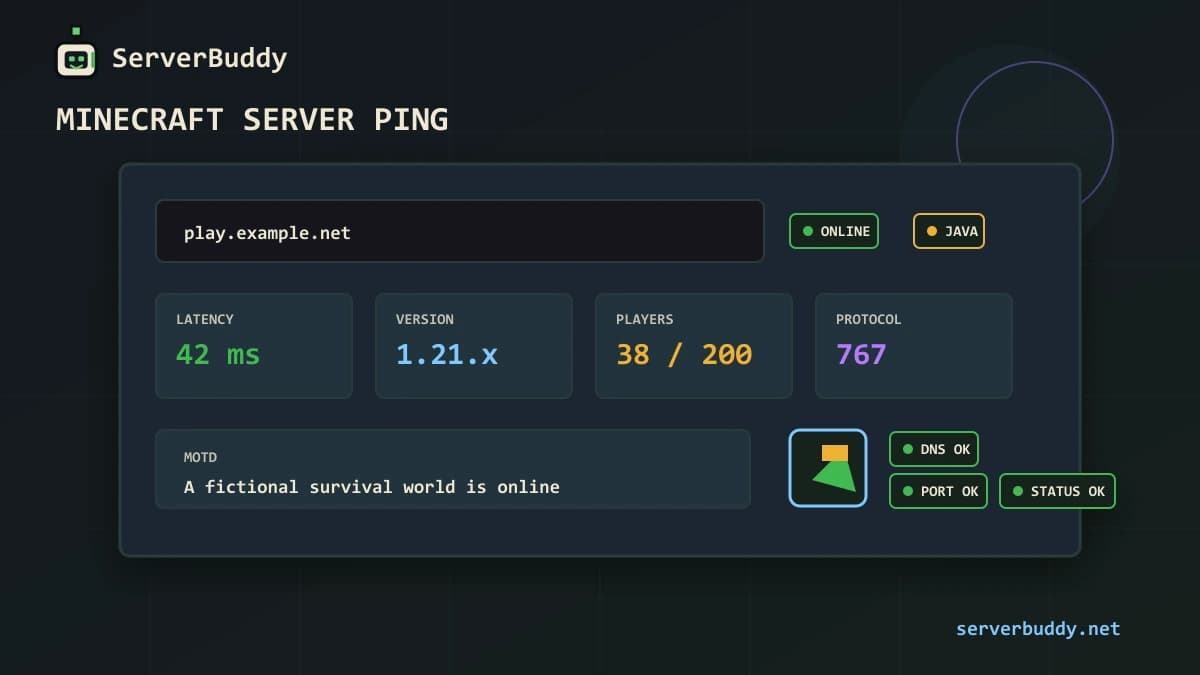
Minecraft server ping can mean two different things. For players, it usually means latency: the time it takes your connection to reach the server and get a response. For server owners, ping often means the Minecraft status check that returns the MOTD, version, player count, server icon and online state before anyone joins.
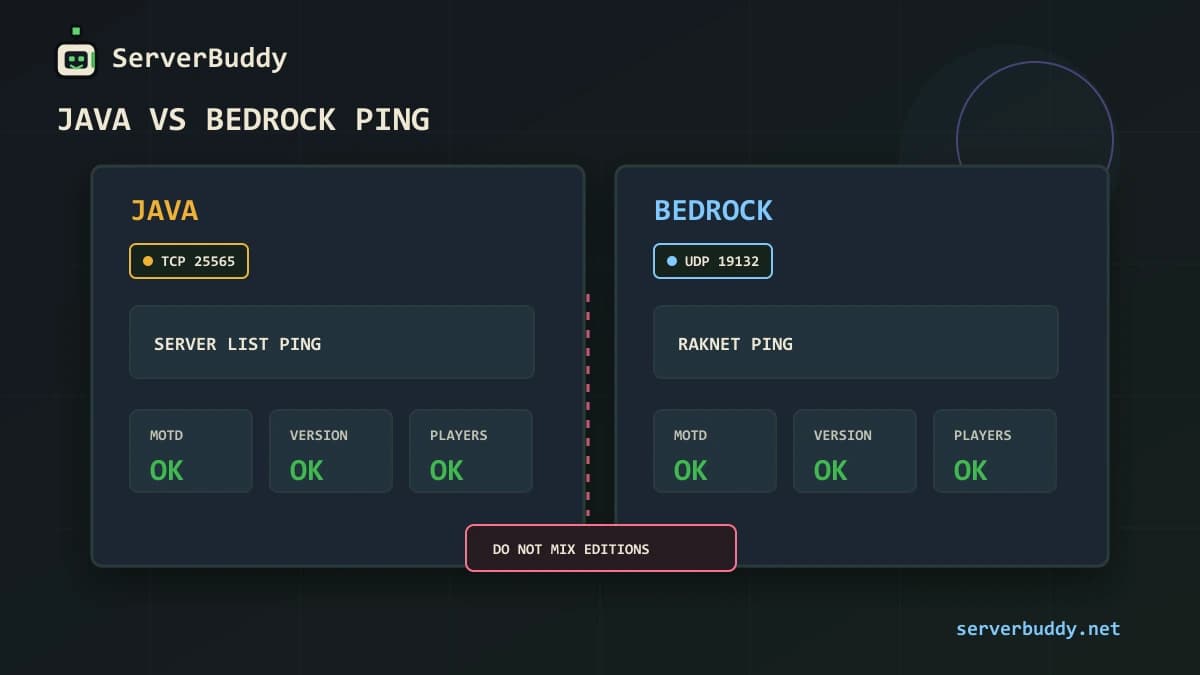
Java servers use Server List Ping for this status response. Bedrock servers use RakNet unconnected ping and pong messages. If you want the protocol details, see the wiki.vg Server List Ping reference and the Bedrock Wiki RakNet protocol reference.
The easiest way to check a public server is to use ServerBuddy's Minecraft server status checker. Enter the same address players use, choose auto-detect, Java, or Bedrock, then check whether the server responds with latency, version, protocol, players, MOTD and icon.
Last reviewed: June 2026. Tested with Java TCP 25565, Bedrock UDP 19132, ServerBuddy Status Checker and Connection Doctor.
What Minecraft server ping means
People use ping for a few related checks, so it helps to separate them.
| Term | What it checks | What it does not prove |
|---|---|---|
| Server List Ping | Whether a Java server returns status data such as MOTD, version and players | That login, whitelist, resource packs or authentication will succeed |
| Latency ping | How many milliseconds a round trip takes | That the server has good TPS or no plugin lag |
| Bedrock unconnected ping | Whether a Bedrock server answers its UDP status request | That every Bedrock client can finish joining |
| Port reachability | Whether traffic can reach the host and port | That the Minecraft protocol is configured correctly |
| In-game lag | How the server feels after joining | Whether the status check itself is broken |
A server can ping successfully and still reject players. That happens when the status response works but the join process fails because of a whitelist, outdated client, authentication problem, proxy issue or resource-pack issue.
The opposite can also happen on some Java setups. Paper documents enable-status=true as the setting that makes the server appear on the server list and enables the listener for server information. If it is turned off, the server can appear offline even when players can still connect. See the PaperMC server.properties reference for the setting.
What a Minecraft server ping returns
On Java Edition, Server List Ping is the status request used by the multiplayer server list. It can return the server version, protocol, current players, max players, MOTD and favicon. The ping/pong step can then be used to calculate latency.
| Field | What it tells you | Why it matters |
|---|---|---|
| Online state | Whether the server responded | Basic public reachability |
| Latency | Round-trip time in milliseconds | Helps players avoid far-away or unstable servers |
| Version | The reported Minecraft version or supported range | Helps players know whether their client can connect |
| Protocol | The numeric protocol version | Helps tools detect version compatibility |
| Players | Current and max players | Shows whether the server is active or full |
| MOTD | The message shown in the server list | Helps players identify the server |
| Icon | The server icon shown beside the MOTD | Confirms branding and display setup |
On Bedrock Edition, the status path is different. Bedrock uses RakNet over UDP. Its unconnected ping asks whether a server is available and can return MOTD, protocol version, version name, player count, max player count, game mode and port data in the unconnected pong. Bedrock's common IPv4 port is UDP 19132, although hosts can use custom ports.
How to check a Minecraft server ping
Start with the public address players actually use. A good test uses the same domain or IP, the same port and the correct edition.
- Open the Minecraft server status checker.
- Enter the server address, for example
play.example.netorplay.example.net:25566. - Leave the edition on auto-detect unless you already know it is Java or Bedrock.
- Run the check.
- Read the result: online state, latency, version, protocol, players, MOTD and icon.
- If the result fails, open Connection Doctor and test the host, port and edition.
ServerBuddy's Connection Doctor tests Java TCP or Bedrock UDP reachability from its own infrastructure. It separates common failure cases such as DNS failure, closed port, wrong protocol, timeout and invalid response.
Do not rely only on your own Minecraft client. A server can work from your home network because you are connecting locally, while public players still fail through DNS, firewall, port forwarding or host networking. Local addresses such as localhost, 192.168.x.x and 10.x.x.x are not public server addresses.
Java vs Bedrock server ping
Java and Bedrock do not use the same status protocol. A Java ping against a Bedrock server can fail even when the Bedrock server is online. A Bedrock ping against a Java server can fail for the same reason.
| Edition | Default port | Transport | Status method | Common mistake |
|---|---|---|---|---|
| Java | 25565 | TCP | Server List Ping | Testing it as Bedrock or blocking TCP |
| Bedrock | 19132 | UDP | RakNet unconnected ping/pong | Forwarding TCP instead of UDP |
| Java with custom port | Custom TCP port | TCP | Server List Ping, sometimes with SRV | Forgetting the port or misconfiguring SRV |
| Crossplay proxy | Depends on proxy setup | TCP and/or UDP | Proxy handles the status response | Backend works, but proxy ping fails |
ServerBuddy's status checker resolves DNS and Java SRV records, then auto-detects Java or Bedrock when possible. That helps when you are not sure which edition the public address is meant to use.
What is a good ping for Minecraft?
For normal survival or SMP play, low ping feels better but it is not the only thing that matters. A stable 80 ms server can feel better than a 30 ms server with poor TPS, packet loss or overloaded plugins.
| Ping | What it usually feels like |
|---|---|
| Under 50 ms | Very responsive |
| 50 to 100 ms | Good for most survival, SMP and minigames |
| 100 to 150 ms | Playable, but PvP timing may feel delayed |
| 150 to 250 ms | Noticeable delay, still usable for slower play |
| Over 250 ms | Often frustrating, especially for combat or movement-heavy games |
Do not confuse network ping with server tick performance. Minecraft normally runs at 20 ticks per second, which means one tick every 50 ms. If the server cannot keep up with that tick loop, gameplay can lag even when network latency is low.
That is why ServerBuddy profiles are useful for players. A good server is not only low ping. It should also have recent activity, solid uptime, a compatible version and enough players for the kind of world you want. Browse the Minecraft server list, then compare live players, weekly peak, uptime and version before copying an IP.
Why a Minecraft server will not ping
A failed ping usually means the status check did not get a valid Minecraft response. Work through the visible failure before changing random settings.
| Result | Likely cause | What to check |
|---|---|---|
| DNS failure | Domain does not resolve | A, AAAA or SRV records |
| Timeout | Traffic did not reach a Minecraft response | Router, host firewall, cloud firewall, wrong public IP |
| Connection refused | Something answered, but not Minecraft | Server process, listening port, host panel |
| Invalid response | Wrong service or proxy answered | Proxy config, wrong port, non-Minecraft service |
| Wrong edition | Java and Bedrock were mixed up | Test Java and Bedrock separately |
| Offline but players can join | Java status response may be disabled | Check enable-status=true |
| Works locally, fails publicly | Local network bypasses the public route | Test from outside your network |
For a deeper fix path, use the guide on why your Minecraft server is offline. That article covers the server process, address, port, DNS, firewall, Server List Ping and listing checks in more detail.
The enable-status setting on Java servers
For Java servers, check server.properties if the server runs but will not show status data. The setting should usually be:
enable-status=truePaper's server.properties reference says enable-status=true makes the server appear on the server list and enables the listener for server information. If it is off, the server can appear offline while still allowing direct connections.
Do not confuse enable-status with enable-query. Query is a separate GameSpy4-style listener and is not the normal Minecraft multiplayer list status response. Paper documents enable-query separately from enable-status.
Use ServerBuddy's server.properties generator if you want a safer config file for a public Java server.
How ping affects ServerBuddy listings
ServerBuddy needs a public server to respond before it can create a useful listing. The add-server page requires a server to be online and respond to a valid status check when checked. After verification, ServerBuddy creates a public profile with live player count, MOTD, version and uptime, then keeps polling so activity history and peak-time data can build up.
Before you add your Minecraft server, test the public address. If the status check returns version, player count, MOTD and latency, the server is much more likely to be charted correctly. If the ping fails, fix that first.
How players should use ping when choosing a server
Players should treat ping as one signal, not the whole decision. A low-ping server can still be empty, poorly moderated or incompatible with your client. A slightly higher-ping server can still be worth joining if it has stable uptime, an active weekly peak, a clear MOTD and a version you can use.
- Pick the right edition: Java Minecraft servers or Bedrock Minecraft servers.
- Check the server's current players and weekly peak.
- Check uptime so you do not join a server that drops often.
- Make sure your client version is supported.
- Open the server profile and read the MOTD.
- Copy the IP and follow the how to join a Minecraft server guide if you are new.
ServerBuddy tracks public servers by live status, player history and uptime, so players can compare worlds before copying an IP.
FAQ
What does Minecraft server ping mean?
Minecraft server ping can mean latency in milliseconds or the status check used by the server list. In Java, Server List Ping can return MOTD, version, players, max players and favicon data. In Bedrock, unconnected ping and pong messages are used for similar server-list information.
How do I ping a Minecraft server?
Use a Minecraft-aware status checker, not only a normal operating-system ping. Enter the public server address in ServerBuddy's Minecraft server status checker, choose auto-detect, Java or Bedrock, then read the latency and status fields.
Why does my server show offline but players can still join?
On Java servers, the status listener may be disabled. Check enable-status=true in server.properties. Paper documents that turning this off can make the server appear offline while players can still connect.
Is ping the same as TPS?
No. Ping is network delay between client and server. TPS is server tick speed. A server can have low ping but bad TPS if it is overloaded, and it can have good TPS but high ping if the player is far away.
What port does Minecraft server ping use?
Java servers usually use TCP 25565. Bedrock servers usually use UDP 19132. Custom ports are common, so test the exact address and port players use.
Why does Bedrock ping fail when Java works?
Bedrock uses a different protocol and UDP port. If only TCP is forwarded, a Java server may respond while Bedrock fails. Test the server as Bedrock and confirm UDP 19132 or the custom Bedrock port.
Can ServerBuddy ping private or local Minecraft servers?
No. The status checker is for public Minecraft server addresses. Private, local and internal network addresses are blocked for safety.